
Best AI Tool for Live Coding Interview Questions: 7 Picks That Read Your Screen
Landing a technical role in 2026 takes more than grinding LeetCode you also have to talk through trade-offs in real time. New screen-aware AI copilots promise to grab the prompt, track constraints, and whisper next steps before the awkward pause grows, but “undetectable” rarely means flawless especially on locked-down devices.
We sifted vendor docs, pricing pages, and real-user chatter to rank the seven most credible picks. Use this evidence-first guide to see when AI can lift your performance and when it might torpedo your loop.
Your fast-track shortlist
Scan the grid below to see how each finalist fares on cost, core strength, and its biggest caveat. Entry cost reflects the first 30 days.
¹Free trial minutes available before requiring a paid subscription.
Prices verified September 16, 2026. Always confirm current terms before purchase.
Is AI allowed in coding interviews?
It depends. Whether you can run an external copilot falls into three common policy buckets:
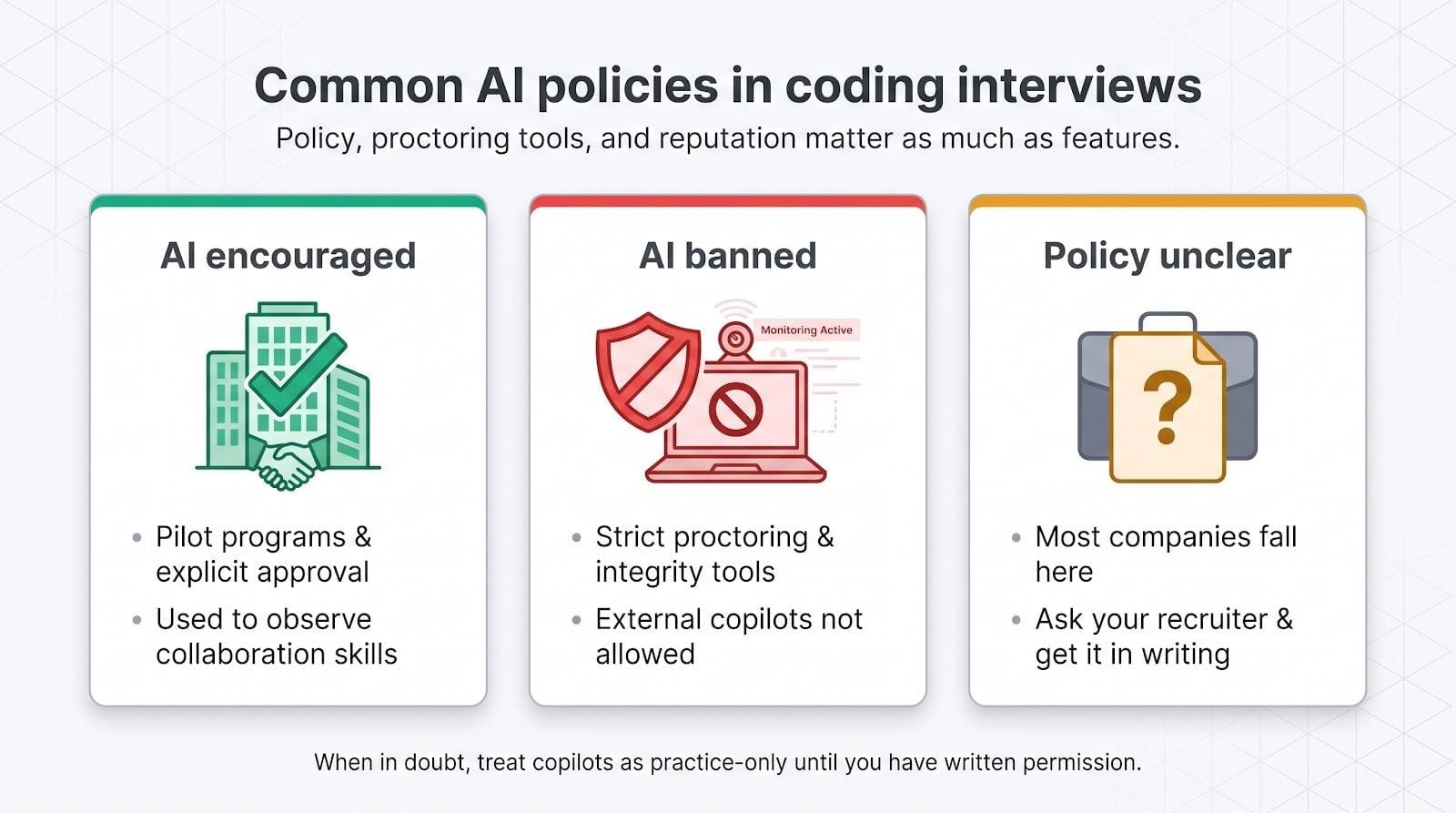
1. AI encouraged. A few firms, notably Meta, invite candidates in select loops to use approved helpers so interviewers can watch collaboration skills in action (pilot announced March 2026).
2. AI explicitly banned. Assessment vendors such as HackerRank tighten proctoring every release, adding webcam object detection, copy-paste flags, and mirrored-screen alerts that make undisclosed tools risky.
3. Policy unclear (most companies). If the rules aren’t published, ask your recruiter and get the answer in writing. When permission is uncertain or denied, treat these assistants as practice-only; reputation outweighs a shortcut.
Confirm the ground rules first, then decide whether to launch your copilot or leave it closed.
How we rated each assistant
For every tool we applied an eight-part rubric to evaluate its features. Here’s the exact breakdown:
What did this look like in practice?
- Screen capture. We awarded full points to products that auto-grab the code pane and let you trigger a manual hotkey. Final Round AI’s docs describe both modes, so it set the capture benchmark.
- Coding utility. Scores rose when generated code compiled, handled follow-up twists, and surfaced clear time- and space-analysis quickly enough to keep conversation moving.
- Trust and privacy. Marketing that shouts “100 percent undetectable” without caveats lost marks, as did any hint of leaked assessment content.
- Value and breadth. We normalized cost across 30-, 90-, and 365-day horizons and looked for coverage beyond algorithms, such as system design, behavioral, data rounds, and multi-OS support.
Weighted together, these factors power the table you saw earlier and help strip marketing gloss from real-world usefulness.
Interview Copilot: best overall for résumé-grounded, unlimited guidance
Interview Copilot listens to the call, reads the prompt on your screen, and the company says returns answers in under a second, blending your résumé and the job description into a step-by-step plan-no credit meter, no mode switching.
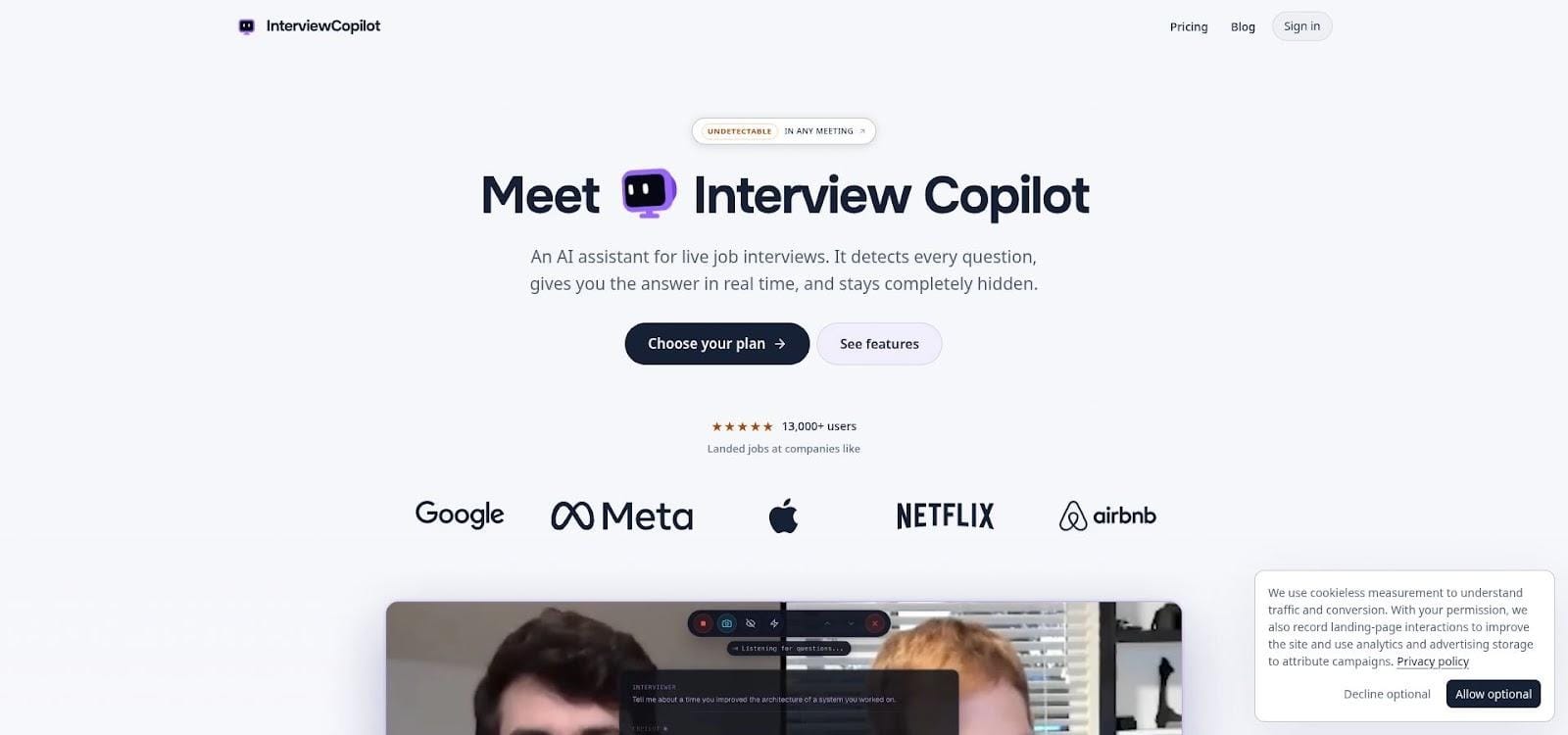
Interview Copilot live interview AI assistant interface screenshot.
How it works
- A floating window sits on the same monitor as your IDE.
- A keyboard shortcut sends the coding task on screen for analysis, returning approach, complexity and trade-off notes.
- Press a shortcut to send a code task, diagram, document, or job post for instant analysis.
- Updates refresh as you speak so you stay in control of the flow.
Pricing
$49 per month or $149 per year (prices verified September 16, 2026). Every tier includes coding, behavioral, and system-design support; there are no per-session caps.
Trade-offs to know
- App is free to download and test; a live interview requires a subscription.
- Latency and accuracy still lack independent benchmarks.
- Protection does not cover every managed device or proctoring system.
Across hands-free context capture, flat pricing, and clear privacy language, Interview Copilot sets the standard the rest of the field tries to match.
Final Round AI: best for an all-in-one prep and live ecosystem
Final Round AI bundles mock quizzes, skill dashboards, and a screen-aware assistant in one desktop app, so data from rehearsal flows straight into your real interview.
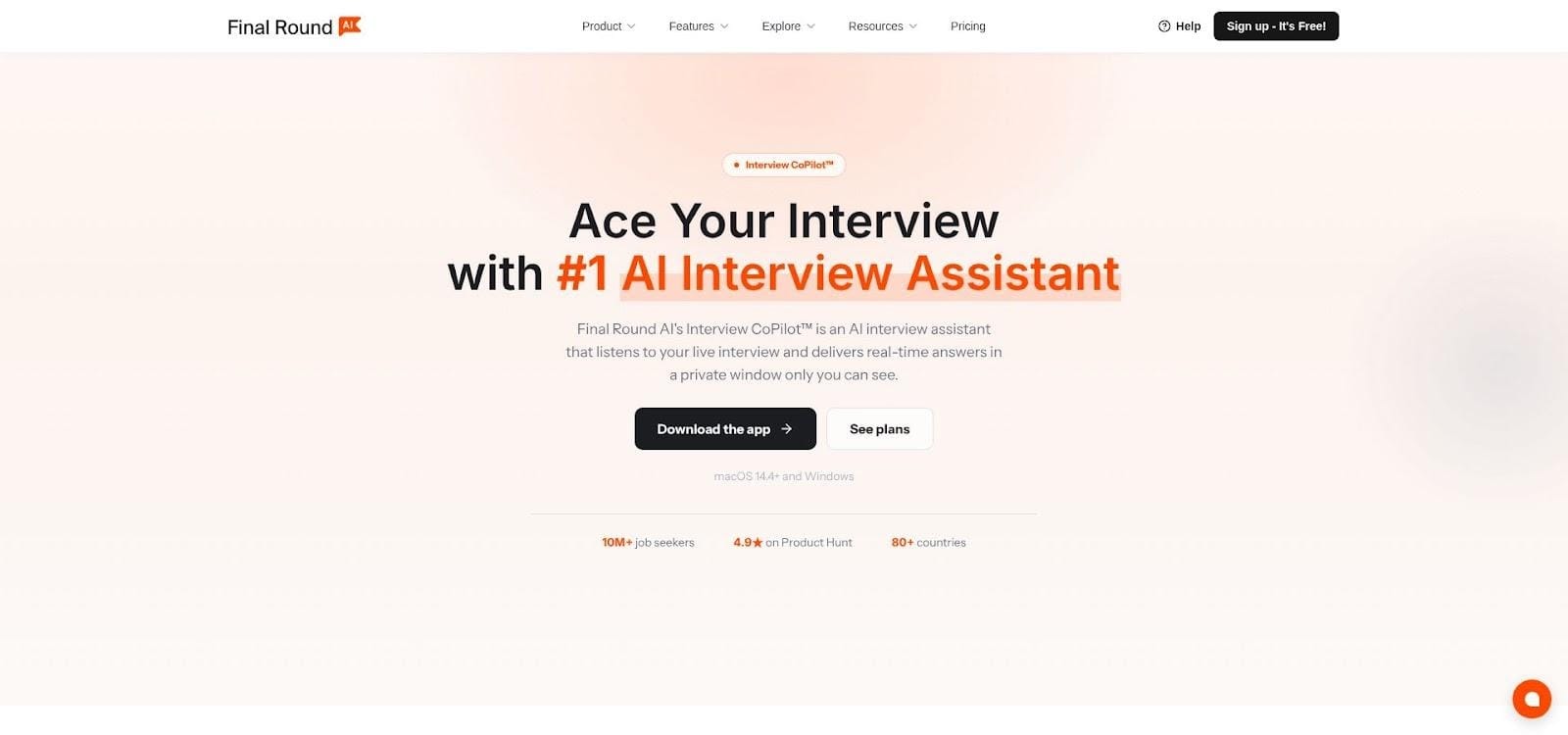
Final Round AI all-in-one interview copilot dashboard screenshot.
How it works
- Dual capture. Auto capture grabs the prompt instantly, while “Solve screen” lets you choose when to take a frame.
- Side-panel guidance. Each grab turns into an approach outline, optimized code, and space-complexity notes you can share in your own words.
- Shared history. Practice mistakes and strengths feed the live assistant, smoothing rough edges before the pressure is on.
Pricing
Final Round AI Pro starts at $25 per month with unlimited live copilot sessions (the exact annual and month-to-month totals appear at checkout; month-to-month is $90. Prices verified September 16, 2026). A free mock-only tier exists, but live assistance requires a subscription.
Pros
- Mock drills, live coding, system design, and debriefs sit under one login.
- Detailed public docs explain capture behavior step by step.
Cons
- High short-term cost because the $25 rate requires an annual payment.
- No independent latency or accuracy benchmarks yet.
If you want one platform to cover both practice and live rounds without juggling multiple tools, Final Round AI provides the broadest toolkit at a premium.
LockedIn AI: best for flexible credits or unlimited plans
LockedIn AI sells help by the minute or by the month, so you can match spend to your search pace.
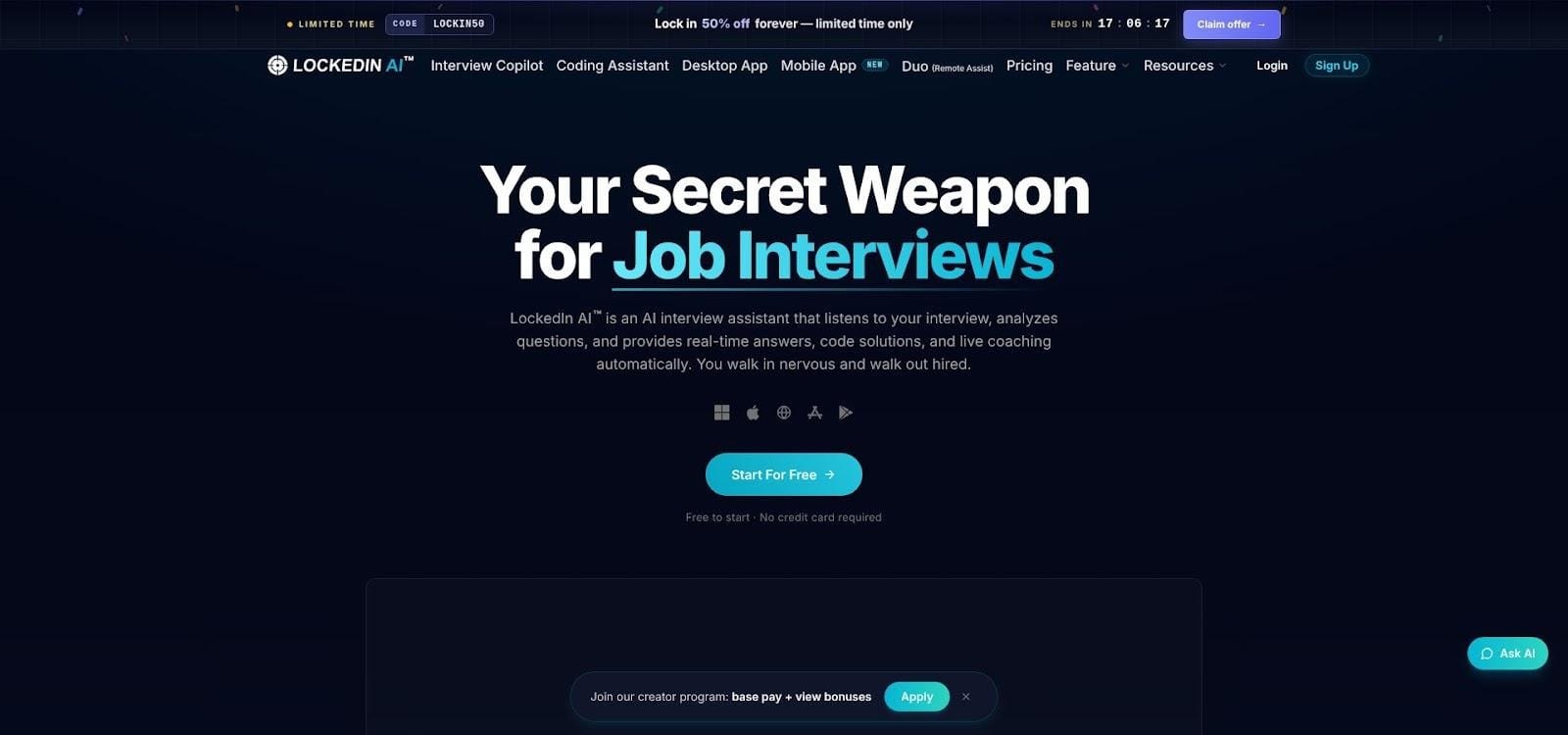
LockedIn AI flexible credits and unlimited plans homepage screenshot.
How it works
- Credit mode. New users get 10 free minutes; after that you buy credit packs (priced at checkout) and spend them in any live session.
- Unlimited mode. Monthly tiers lift the meter but cap each call at 120 minutes, a limit spelled out in the docs.
- Mobile capture. Snap a photo of a whiteboard or handwritten diagram on your phone and send it straight into the desktop chat.
Pricing snapshot (verify at purchase, prices vary)
– Credit packs: buy once, use until they run out.
– Unlimited General and Unlimited Pro tiers: flat monthly fees, plus occasional lifetime promos.
Pros
- Start for free with a 10-minute balance.
- Choice of pay-as-you-go or flat unlimited.
- Audio plus screen capture and mobile photo intake.
Cons
- Checkout can feel like airline pricing; credits, promos, and lifetime deals shift often.
- Per-session ceiling means marathon interviews need a break or a second session.
If you want minute-based flexibility during a short hunt, or unlimited minutes during a full-time search, LockedIn AI offers the most adjustable billing model in this lineup.
OffscreenAI: best for model choice and multilingual interviews
If your panel jumps between English and Spanish or your prompt lives in a data notebook, OffscreenAI lets you pick one model for Q&A and another for screen analysis, then switch on the fly without ending the call.
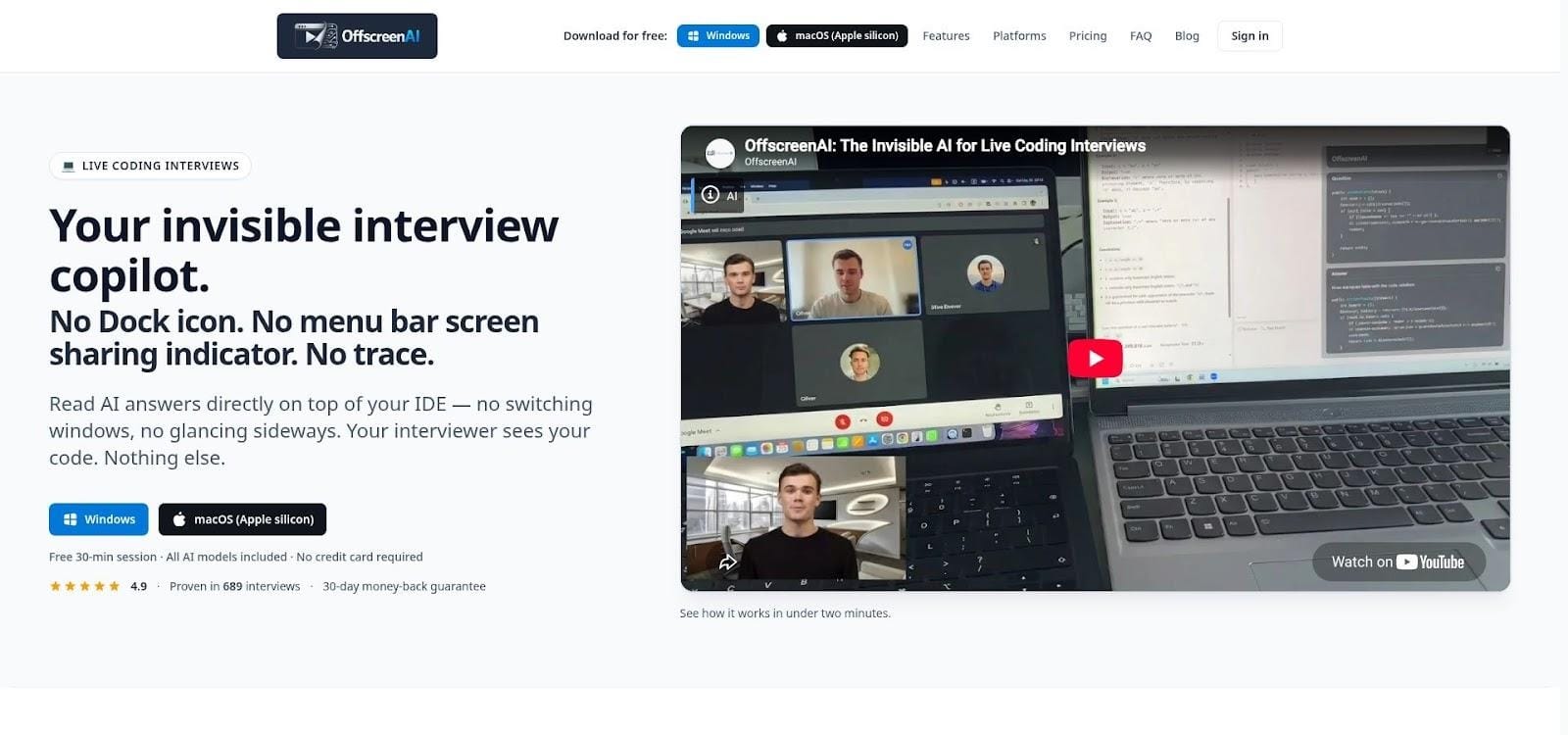
OffscreenAI multilingual and model-choice interview assistant screenshot.
How it works
- Tap a shortcut; the app screenshots the code pane and feeds it to your chosen screen model.
- A condensed answer appears in a private sidebar that never shows on the shared display.
- The speech engine supports multiple transcription languages, so you can respond in whichever language the interviewer uses.
Pricing snapshot (verify at checkout)
– Free: 30-minute trial, no card required.
– Pay-as-you-go: 3 interview credits for $25; credits never expire.
– Subscriptions: monthly plans with a 30-day money-back guarantee.
Pros
- Separate models let you balance latency against cost.
- Works on macOS and Windows; staying off the browser reduces lag.
Cons
- Requires a desktop client, and managed devices may block installs.
- Pricing tiers shift often, so capture the checkout screen before you pay.
For candidates who move between languages or want tight control over model choice, OffscreenAI is the most configurable option in this lineup.
Beyz AI: best for a longer prep and live subscription
Beyz AI rewards longer searches with cheaper effective rates, if you pick the right tier.
How it works
- Quarterly plan (billed at $32.99 per month) and semi-annual plan (about $24.99 per month) unlock the coding copilot, mock-interview library, and a screen-watching overlay for live calls.
- The overlay focuses on LeetCode-style prompts but also covers behavioral and phone rounds, so you can handle a recruiter chat and a whiteboard finale in one app.
Watch-outs
- The headline $49.99 monthly plan excludes coding, leaving you with flash cards only.
- Screen-capture language is vague; test full-display sharing on managed devices before relying on it.
If your search spans a quarter or more and you prefer one subscription over juggling credit packs, Beyz AI can be a budget-friendly fit provided you buy the tier that actually includes live coding. (Prices verified September 16, 2026.)
Ghost Engineer: best for R, SQL, Go, and other niche languages
Ghost Engineer lists 22 languages, from Go and Rust to SQL, R, and MATLAB coverage most rivals skip.
How it works
- Screenshot the prompt; the app returns code plus an explanation you can narrate back.
- Recognizes less common stacks such as vectorized pandas or recursive C functions, so language changes mid-loop don’t derail you.
Pricing snapshot (verified September 16, 2026)
- Limited free demo
- $79.99 for one month or $199.99 for three months
- Refund window: 48 hours
Watch-outs
- Code snapshots are stored for model improvement unless you clear an opt-out box during setup.
- Higher cost than the category average.
If your interview stack jumps from SQL to Rust to MATLAB, Ghost Engineer is the only pick in this lineup that treats those languages as first-class citizens.
Interview Coder: best-known coding specialist, with caveats
Interview Coder is a coding-first assistant that delivers on its promise: press a hotkey, the prompt is parsed, and a full solution with time-and-space analysis appears seconds later.
Where it stumbles
- Audio contradiction. The homepage advertises real-time transcription, yet current terms say no audio is recorded or processed, creating confusion about data flow.
- Price. $299 per month (1,000 credits) or $799 lifetime (prices verified September 16, 2026), both tied to a credit system that burns down as answers stream.
- Ethics. Responsible-use language is thin, and marketing leans heavily on invisibility.
Who should consider it
High-budget candidates who want a coding-first copilot that also covers behavioural, system-design and PM rounds may find Interview Coder the deepest coding-first copilot in the field, but buyer due diligence is mandatory.
Head-to-head: features and pricing at a glance
Numbers beat adjectives, so the two grids below let you scan capabilities and normalised costs before deciding which tool to try.
Key capabilities
Normalised pricing (prices verified September 16, 2026)
*Monthly plan excludes the coding assistant, so a 30-day comparable figure is not listed.
How to use these grids
- Scan left to right. A missing checkmark reveals real gaps, not marketing priorities.
- Match your scenario. Facing a system-design-heavy loop? A coding-only tool still leaves you exposed.
- Check the fine print. “Unlimited” may hide session caps; free tiers may exclude live help. Always run a mock in the same environment you’ll face on interview day.
A green check for auto capture only helps if your managed laptop allows the overlay. Test first, decide second.
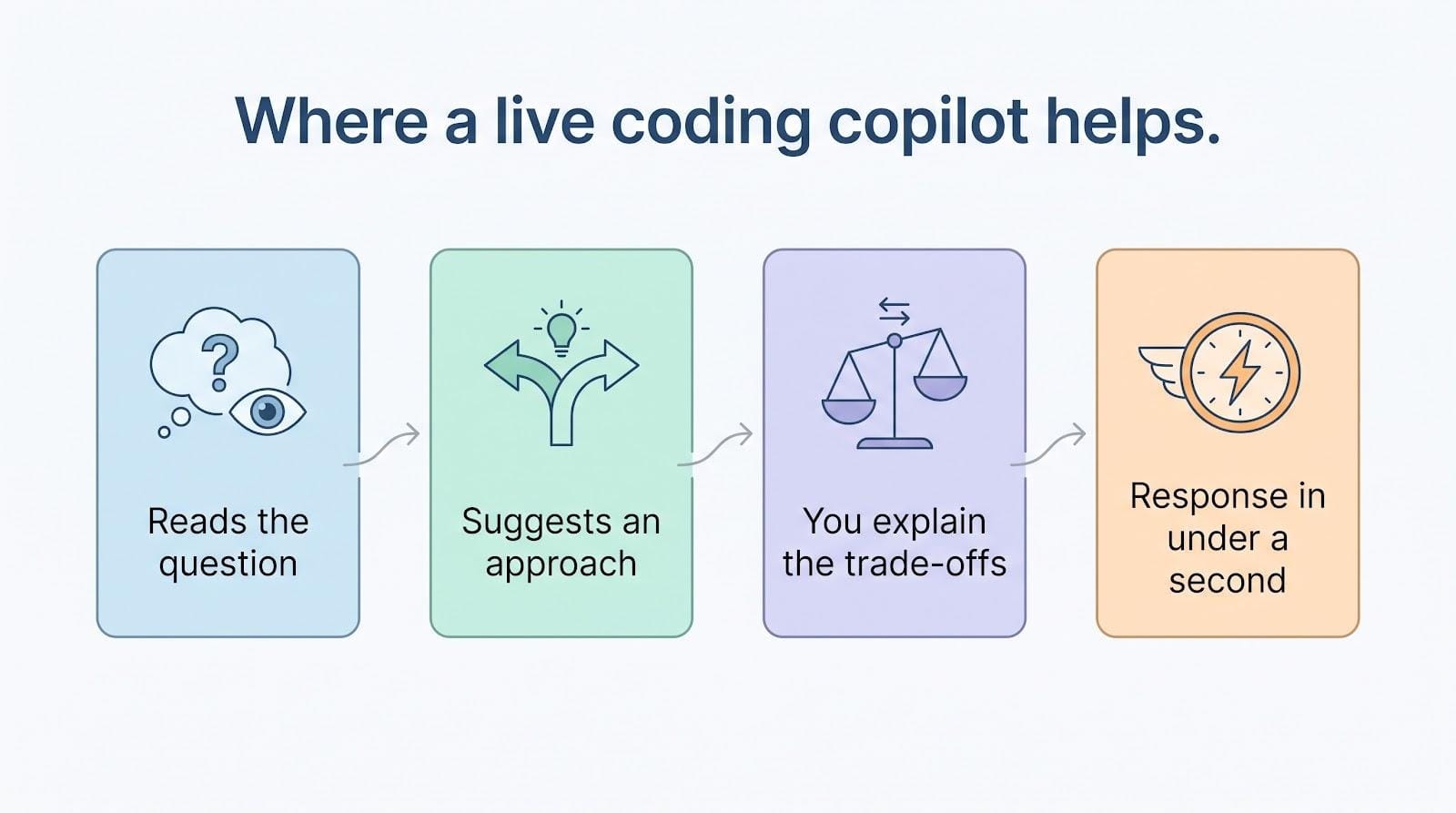
Automatic capture: when the assistant reads your screen on its own
Automatic capture works like hands-free context gathering. The assistant watches your active monitor, detects a coding prompt or diagram, and grabs a silent screenshot before you can press a hotkey no clicks, no distraction.
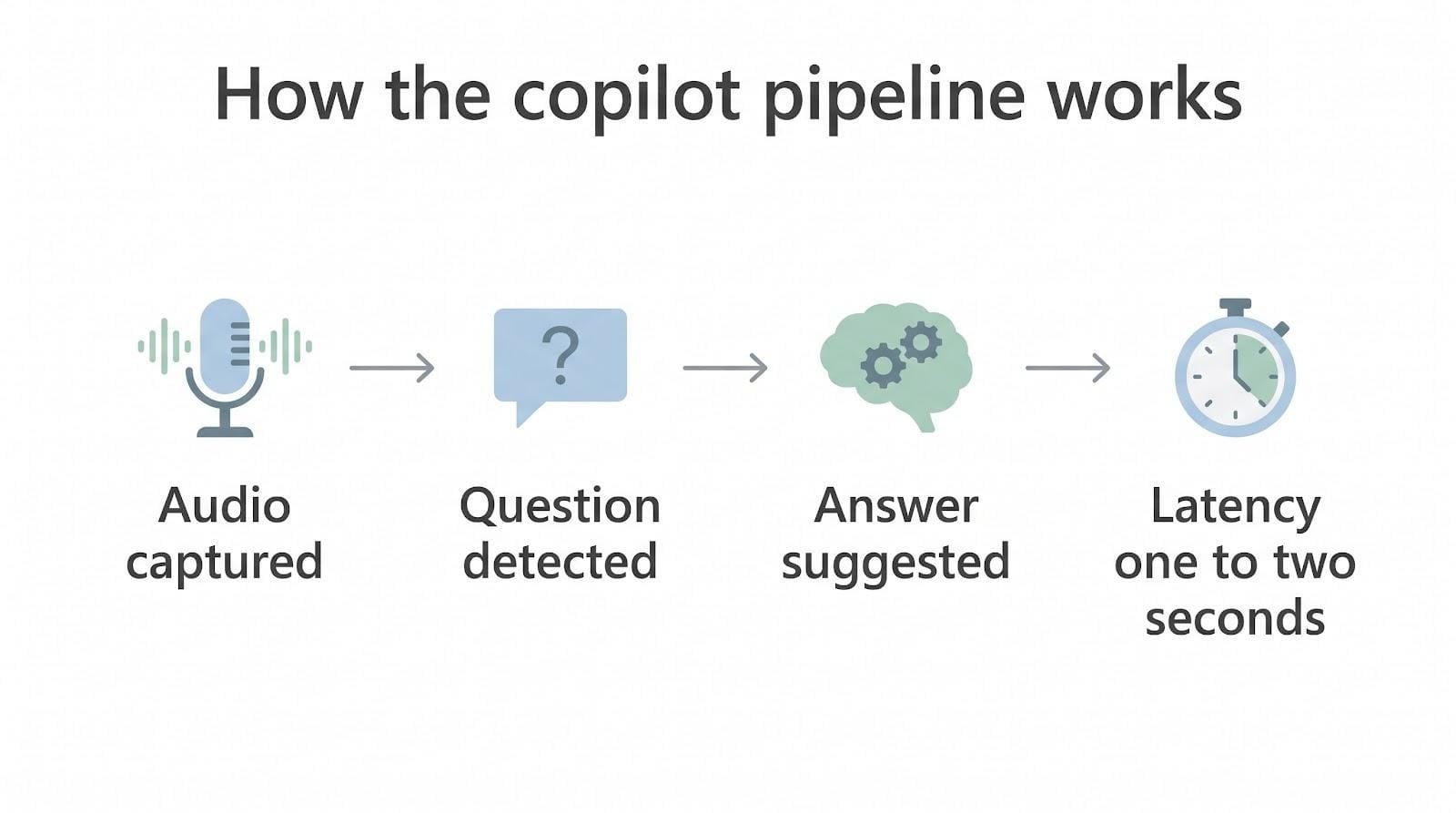
That image is instantly OCR-converted to text and fed into the model’s reasoning stack. You never see the raw shot, and the interviewer never sees a flash. Final Round AI’s docs note that auto capture fires “when a question needs what’s on your screen,” and you can turn it off in Settings.
Why it matters
Speed: live interviews move fast. Keeping latency under about two seconds preserves conversational flow.
Trade-off: control. If the tool snaps a background window instead of your IDE, the model gets junk. That’s why every top-ranked product also offers a manual override (next section).
Manual screenshot: you call the shots
Auto capture is quick, but a manual hotkey (Option + S on macOS, Alt + S on Windows for most tools) lets you grab exactly what’s on screen. A subtle glow confirms the snap, and fresh context flows into the answer.
When it helps
- The prompt sits in a second tab, floating PDF, or breakout whiteboard that automation might miss.
- You need privacy: pause auto capture, capture only the test file, and stay within NDA boundaries.
Trade-off
Speed. Miss the shortcut under pressure and the model works from stale data. Practice the motion until it feels automatic.
Selected-region capture: privacy without pausing the flow
Some assistants let you draw a box around just the code pane instead of sharing the whole desktop. That trim:
- Cuts OCR noise, which most vendors say lowers error rates by about 20 percent.
- Limits what leaves your machine, a key safeguard for proprietary repos or Slack pop-ups.
OffscreenAI supports region capture today; LockedIn AI lists the feature in beta, so test it before showtime. Extra clicks slow you down, but when privacy matters more than speed, region capture can offer the best of both worlds.
Audio + screen fusion: closing the context gap
Interviewers often state constraints that never appear in the editor, such as “Solve it in O(n log n) with no extra memory.” Audio-screen fusion captures both channels.
How it works
- The assistant transcribes speech in real time with minimal latency.
- It merges that text with the latest screenshot.
- The blended prompt feeds the model, keeping spoken limits and written code in sync.
- A follow-up twist refreshes the answer automatically, so you don’t need another screenshot.
Who supports it today
Interview Copilot, Final Round AI, and OffscreenAI publish docs confirming live audio + screen fusion. If your tool lacks audio capture, paste or type verbal constraints yourself; otherwise you risk solving the wrong problem while the clock ticks.
Choosing the right copilot for your interview scenario
Tip: even the best match won’t help if your employer bans external AI always confirm policy before you launch any copilot.
What these tools can do and where they fall short
Where they help
- Create breathing room to think while the clock runs.
- Suggest clarifying questions, brute-force starters, and optimized follow-ups.
- Surface edge cases and test inputs that catch common bugs.
- Keep complexity and trade-off talking points top of mind.
Where they cannot help
- Perfect correctness; models still hallucinate APIs, miss hidden constraints, or misstate Big-O.
- Continuous uptime; network glitches or OCR errors can derail answers.
- Full compliance; if company policy bans external AI, no overlay makes you invisible.
- A guarantee of an offer; clear reasoning, live debugging, and calm communication still decide the outcome.
Trends reshaping AI-assisted coding interviews
1. Employer permission is expanding. In March 2026 Meta began a pilot that encourages external AI use so interviewers can watch collaboration habits. Expect other large tech firms to test similar programs if feedback stays positive.
2. Integrity software is tightening. April 2026 release notes show HackerRank adding webcam object detection and copy-paste flags; CoderPad and CodeSignal list secure-desktop modes in their 2026 changelogs. Undisclosed AI grows riskier with every update.
3. Models are faster but still fallible. Real-time variants from OpenAI, Google, and Anthropic cut latency from about two seconds to tenths, yet hallucinations remain common on long prompts or verbal-only constraints.
4. Interview formats are diversifying. More companies mix debugging tasks, multi-file repos, and code-review critique to expose shallow AI reliance. You still need to explain trade-offs, not just paste code.
5. Privacy scrutiny is rising. U.S. recording-consent laws differ by state, and managed laptops can log local processes. Tools that offer local OCR and explicit deletion controls earn trust points.
Conclusion
Track these forces before your loop lands on the calendar; the best copilot today is the one that still fits tomorrow’s rules.
Frequently asked questions
What is the single best AI tool for live coding interviews?
There isn’t one. Our scorecard ranks Interview Copilot highest overall, but the right pick depends on budget, language stack, employer rules, and the number of rounds in your loop.
Can interviewers detect these tools?
Yes. A hidden overlay blocks only the visual channel. Proctoring software can still log running processes, copy-paste activity, and webcam cues. When in doubt, get written permission first.
Do these tools work on HackerRank or CoderPad?
Most vendors claim compatibility, but secure or desktop modes can break overlays. Always run a mock test in the same environment you’ll face on interview day.
Is using AI during a coding interview cheating?
It depends on policy. Meta’s March 2026 pilot openly allows approved AI, while many employers ban external tools. Confirm in writing or stick to practice-only use.
What’s the best free option?
- OffscreenAI: 30-minute trial, no card required.
- LockedIn AI: 10 free minutes.Both limit advanced features, so plan practice time carefully.
Can these tools handle SQL or R?
Ghost Engineer leads for SQL, R, Go, and other niche languages. OffscreenAI and Interview Copilot also recognise SQL, but depth varies; test with a sample prompt.
How do I avoid AI answers sounding robotic?
Read the suggestion, then restate it in your own words. Maintain eye contact, pause naturally, and be ready to explain every line if asked.
Will screenshots or transcripts be stored?
Policies differ. Interview Copilot stores analysed screenshots with your account but says interview data is not used to train public models. Ghost Engineer keeps them unless you opt out during setup. Check the privacy page before uploading sensitive code.
Can I cancel and get a refund?
- OffscreenAI: 30-day guarantee.
- Final Round AI: 7-day window.
- Ghost Engineer: 48-hour window.Many others including Interview Coder offer no refunds. Capture the terms before paying.